Remove photo backgrounds. In bulk. On your computer.
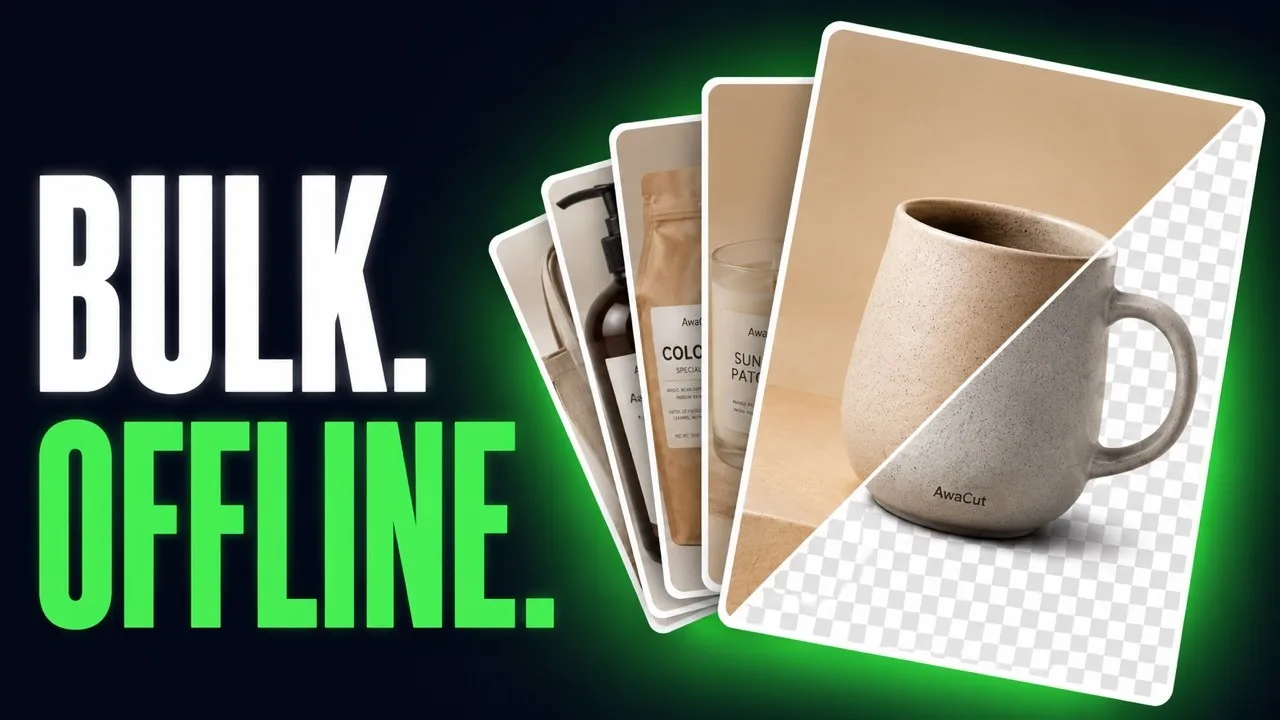
AwaCut is a small app for Mac, Windows and Linux. It removes backgrounds from hundreds of photos at once, right on your computer. Your photos are never uploaded anywhere.
No account. No credits. No uploads.

How AwaCut works
Three steps. No manual needed.
Drag your photos in
Drop single photos or whole folders into the app window.
AwaCut removes the backgrounds
Everything runs on your computer, about 5 seconds per photo.
You get transparent PNGs
Each cutout is saved as a PNG next to your original file.
Real, down to the settings
What you see is what installs. Pick your theme, formats and export folders, in any of 48 languages.

Everything you need to remove backgrounds
Made for shops, sellers and photographers with lots of photos.
True bulk
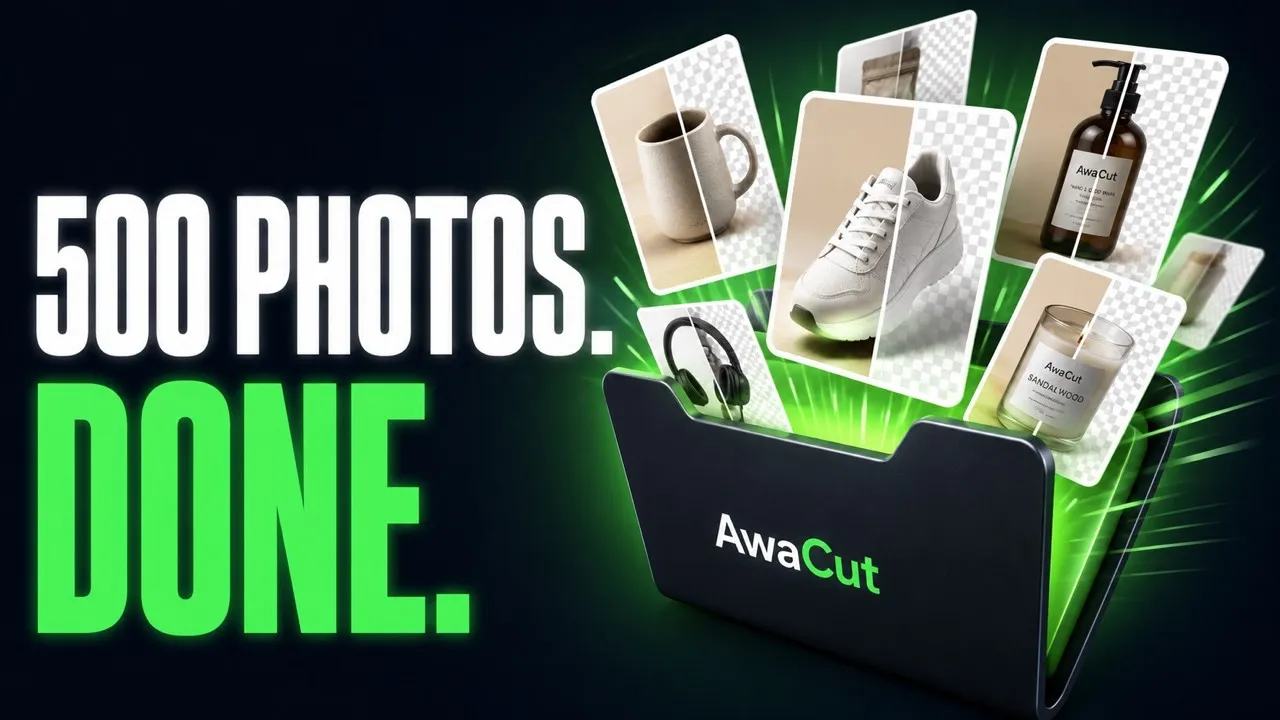
Drag in 500 photos at once. AwaCut works through the whole batch on its own, about 5 seconds per photo.
Works offline
No internet needed. Use it on a plane, at a market stall or on bad hotel wifi.
No uploads, no waiting
A big batch means gigabytes of photos. Sending them to a web tool takes longer than AwaCut needs to finish the job.
Private by design
Your photos stay on your computer. They are never uploaded and never used to train AI.
Unlimited photos
No credits, no quotas, no counter. Process as many photos as you want.
No account needed
No sign-up, no login, no browser tabs. Open the app and start.
Pay once a year
One yearly price instead of a monthly bill. That is less than $2.50 a month.
Full resolution kept
Your cutouts keep the original size and sharpness of your photos.
See it on real photos
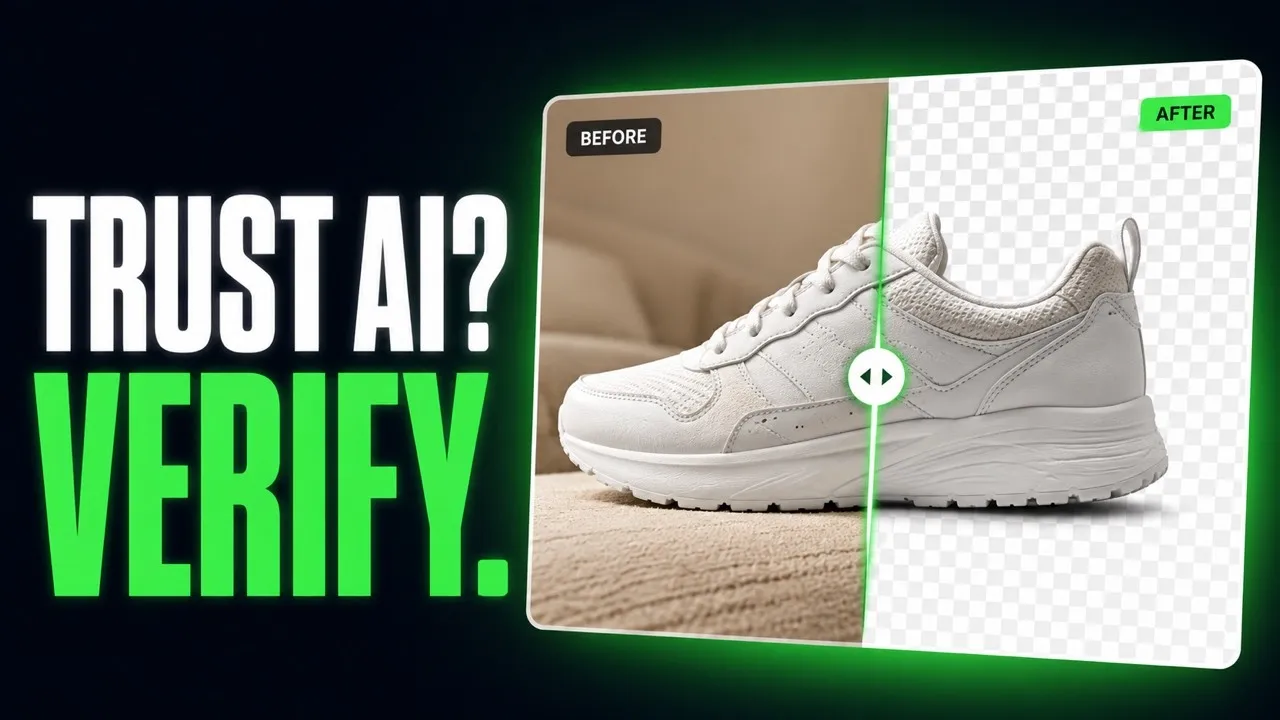
Hair, fur and fine edges. These cutouts come from the same model that ships in the app.


Portraits


Products


Pets
Learn it in minutes
Short, no-fluff video tutorials for every feature, on the AWA TOOLS channel.

FAQ
Frequently asked questions
Does AwaCut remove backgrounds offline?
Yes. The AI model ships inside the app, so your images never leave your computer. AwaCut works entirely without an internet connection.
Can I remove backgrounds from multiple images at once?
Yes. Drag in hundreds of images and AwaCut processes them locally, one after another, at about five seconds per image. Bulk background removal is exactly what it is built for.
Is there a per-image limit or credit system?
No. AwaCut has no credits and no quotas: one plan, unlimited images.
Is AwaCut a remove.bg alternative?
Yes, for offline and bulk use. AwaCut uploads nothing, charges no per-image credits and processes unlimited images for one yearly price.
What does AwaCut cost?
$29 per year for macOS, Windows and Linux. One licence covers 2 computers.
What image formats are supported?
AwaCut reads JPG, PNG, WebP, BMP and TIFF. Every cutout is exported as a PNG with a transparent background.
I paid but I cannot find the licence key email. Where is it?
Check Spam or Promotions first: the email comes from Polar, our payment provider, with the subject "You're now subscribed to AwaCut". Your key is also always available in your Polar customer portal, opened from that email. Still stuck? Write to [email protected] and we will sort it out.
Get AwaCut for your desktop
The offline background remover for your desktop: one licence, all three platforms. Unlimited images, no per-image credits.
Buy your licence first. The key arrives by email right away and unlocks AwaCut on all three platforms.
Buy AwaCut for $29/yearNo account. No credits. No uploads.